Karaoke App
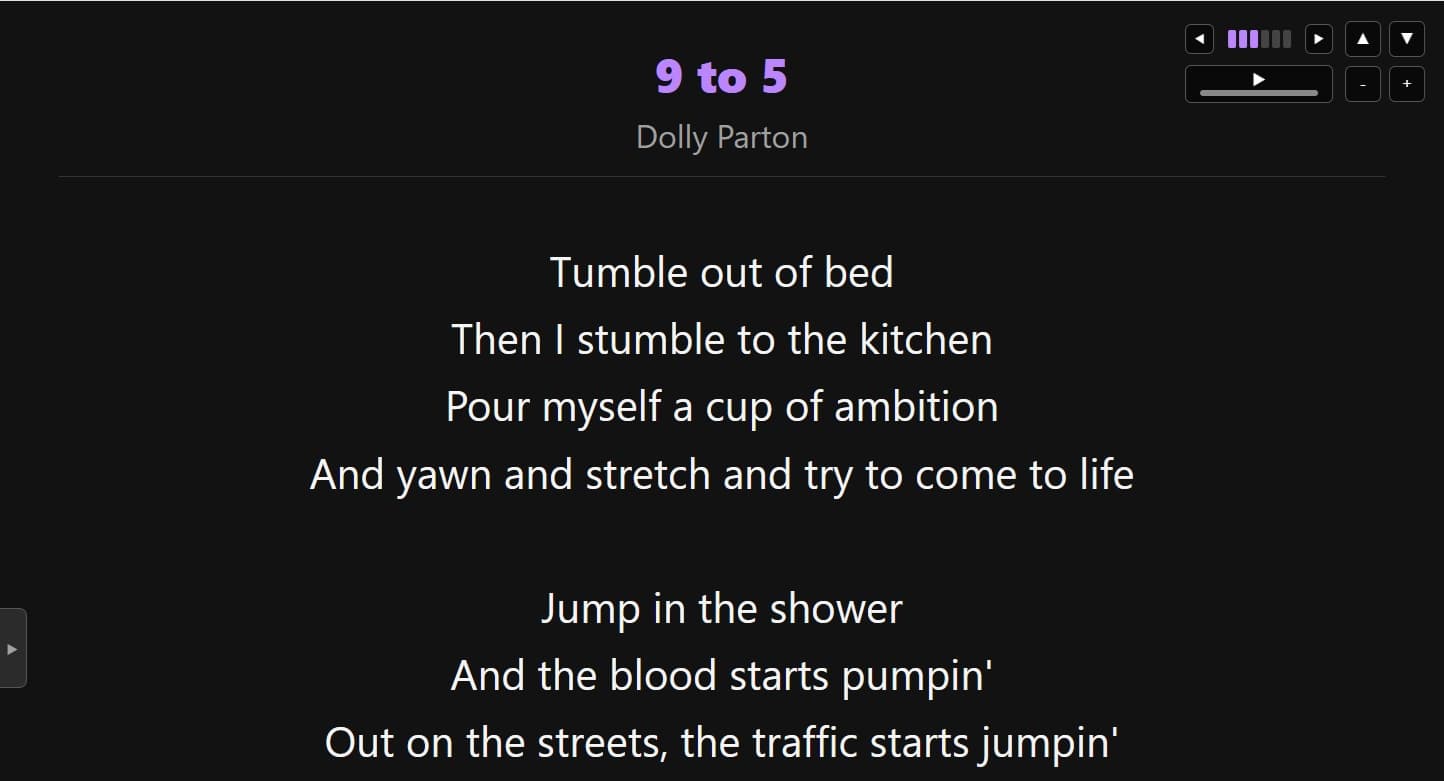
Local musical talent (and also my brother), Wake Moody mentioned struggling with many of the karaoke apps and websites used to host lyrics whenever he would play piano to accompany karaoke singers.
I used Claude Code to prototype this app over dinner! We did another round of changes after he tried it out at a gig, and I'm really pleased with how it turned out!
Fun Fact
One of my favorite things to do is make silly MS Paint drawings in order to talk UI/UX shop. I sent this to my brother in order to better understand the exact setup he had at his karaoke gigs.
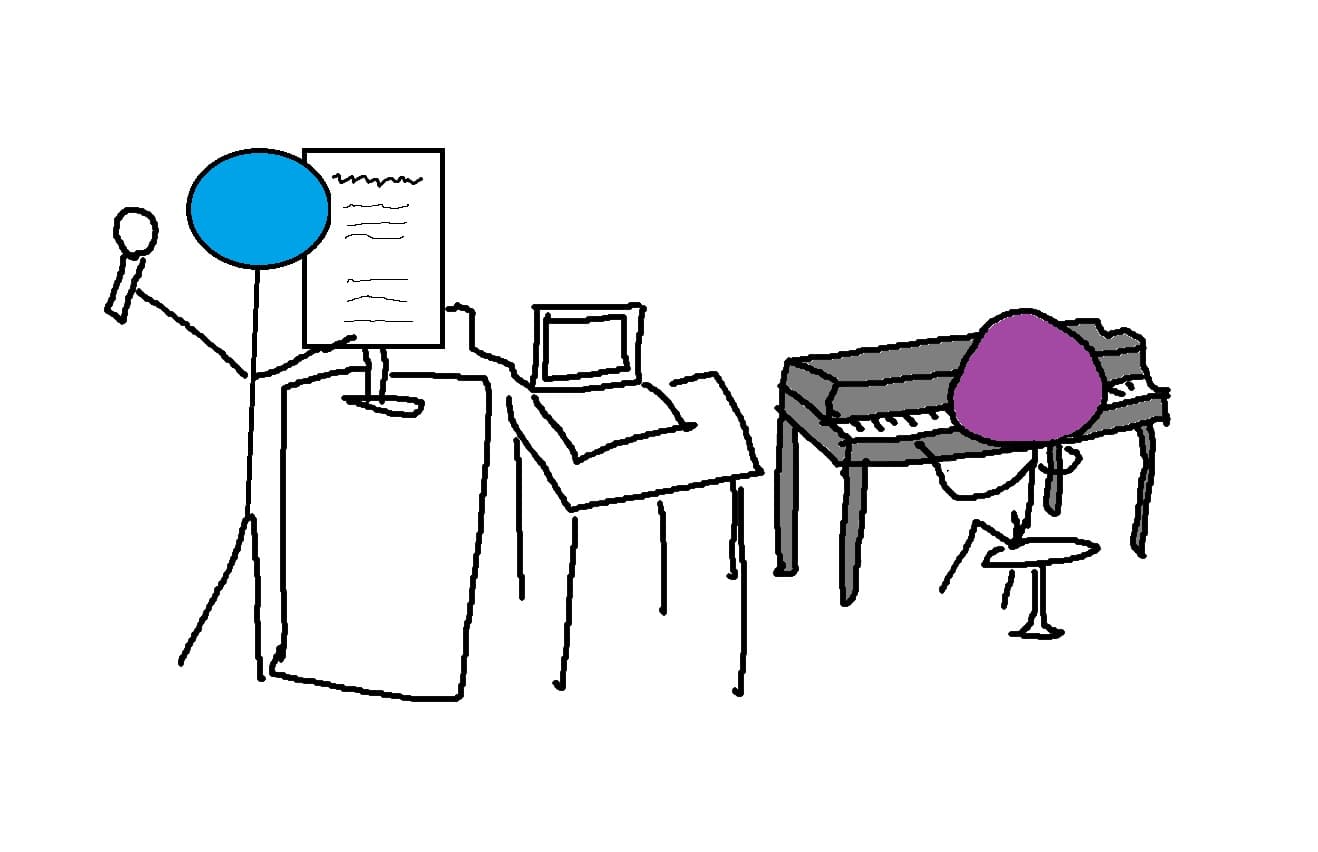
Between each song, my brother would be the one reaching over to the laptop to type in the song, pull it up, and adjust the zoom level as needed.
However, when the song was actually playing, since the application isn't timing the movement to the lyrics perfectly, sometimes the scroll speed needs to be adjusted or the position moved on the fly. My brother's hands are already quite busy on the keyboard, so if he does it the design needs to allow him to change things fast and predictably.
Meanwhile, if the singer themselves is the one who has to adjust the position or speed, it needs to be very clear, even to someone who has never seen the screen before.
So I've two users to design around: my brother using his left hand to briskly adjust things as his fingers dance across a different set of keys, or the singer, who could be your grandma, who both sings and knows computers like she's the 1940's version of herself.
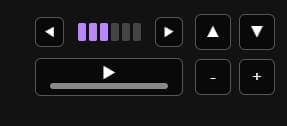
Thus this UI. The buttons you need to press are on the screen, in the same shape they are on the keyboard. Allowing key presses is easy and fast for my brother, and having the UI labeled on the screen at all times makes it easy for a new person to use.